
FORScan can be useful on an F-150 for diagnostics, service procedures and supported configuration work, but there is no universal code list for every truck. Start with a reliable adapter, stable battery voltage and the current developer build. Let FORScan identify the vehicle, save the profile and original As-Built values, then verify every proposed change against the same model year, module part number, trim and market.
Decide what you need FORScan to do on the F-150
Separate diagnosis from configuration before connecting. Reading DTCs, module information and live data is a lower-risk first session. Service procedures and configuration writes require stronger evidence, stable power and a recovery plan.
A search result or spreadsheet entry is not proof that a feature exists on your truck. F-150 generations, model years, powertrains, trim packages and regional regulations can change module hardware and accepted values.
| Goal | Good first action | Extra caution |
|---|---|---|
| Diagnose a warning light | Read and save DTCs before clearing | Record freeze-frame data and symptoms |
| Run a service procedure | Confirm the exact procedure supports your year | Keep voltage stable and follow prerequisites |
| Change a configuration | Back up the target module first | Verify year, module and market match |
| Update module firmware | Use first-party instructions or professional support | Do not treat a spreadsheet as firmware guidance |
Prepare the laptop, adapter and truck
Use the current Windows release from the FORScan developer page and a well-documented adapter that can reach the networks used by the truck. A stable wired connection is usually the conservative choice for a long configuration session. Review the adapter guide before relying on an unknown ELM327 clone.
Charge the laptop, disable sleep for the session, secure the cable and support vehicle battery voltage with suitable equipment. Work in a ventilated, stationary location and keep unrelated accessories off.
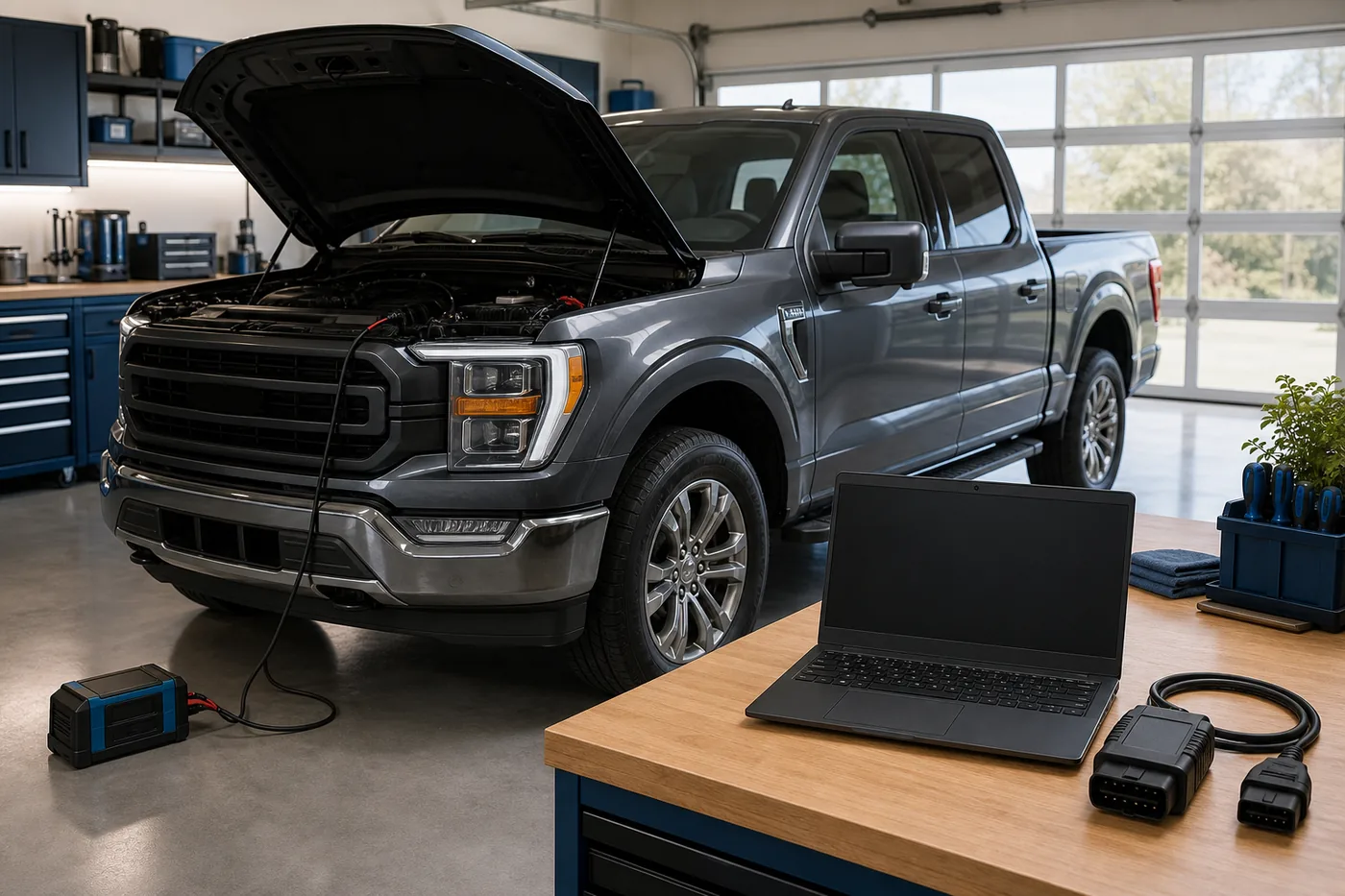
Let FORScan identify the exact F-150
- 1
Connect in read-only mode
Switch ignition state as instructed, connect the adapter and allow FORScan to read the VIN and module list.
- 2
Save a dedicated vehicle profile
Use a profile named with model year, engine and date so later sessions do not reuse the wrong vehicle context.
- 3
Record module details
Capture module names, part numbers, calibration identifiers and current DTCs before changing anything.
- 4
Confirm the target feature
Check that the hardware and module supporting the feature are actually present on this truck.
Back up original As-Built and configuration values
Save the original configuration for every module you may touch. Keep an untouched copy outside the working folder and name files with VIN or a masked identifier, module, model year and date. Screenshots are helpful context, but an exported backup is easier to compare and restore.
Motorcraft's As-Built service can provide factory data for supported vehicles, but it should complement—not replace—the backup read from the truck. Accessories, prior repairs and module replacements may mean the current vehicle state differs from factory records.
- Keep one read-only original backup and one working copy.
- Change one documented value at a time.
- Record the old value, new value, source and observed result.
- Do not publish a full VIN or personal vehicle record in public spreadsheets or forums.
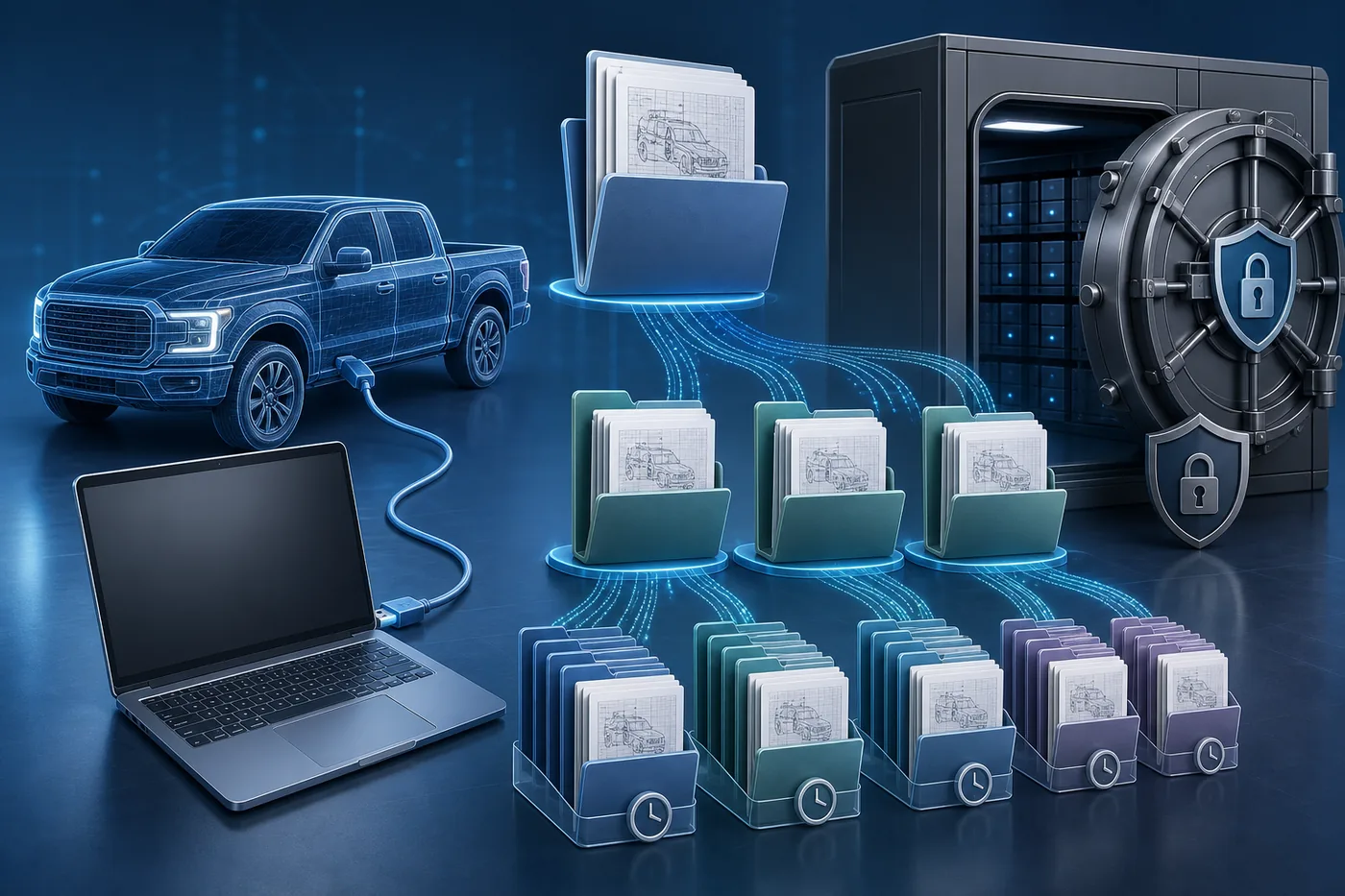
How to judge an F-150 FORScan spreadsheet
Community spreadsheets can be useful indexes, but they are not universal instructions. Prefer an entry that names the exact model year range, module, trim or hardware requirement, market and the contributor's verification method.
Reject rows that only promise a feature, omit the original value, mix generations or tell you to paste a full block without explaining what changed. Compare multiple credible sources and use the truck's own backup as the baseline.
| Spreadsheet signal | How to classify it |
|---|---|
| Exact year, module and tested hardware listed | Useful lead; still verify on the truck |
| Same feature but different generation or market | Research only, not a write instruction |
| No source, no original value, no rollback note | Do not use |
| Firmware or calibration file link from a mirror | Do not use; return to first-party service guidance |
Make one reversible change at a time
Begin with a fresh scan and no unresolved low-voltage or communication faults. Save the target module again, keep the vehicle and laptop awake, then change only the documented field. Cycle ignition only when the procedure requires it.
After the write, rescan the vehicle and test the feature in a safe stationary setting. If the result is unexpected, restore the recorded original value before attempting a second change.
- Never stack several spreadsheet changes into one untested write.
- Stop after a voltage warning, adapter disconnect or module communication error.
- Do not use configuration changes to bypass safety, emissions, security or legal requirements.
- For firmware programming, immobilizer work or an unresponsive module, use qualified support.
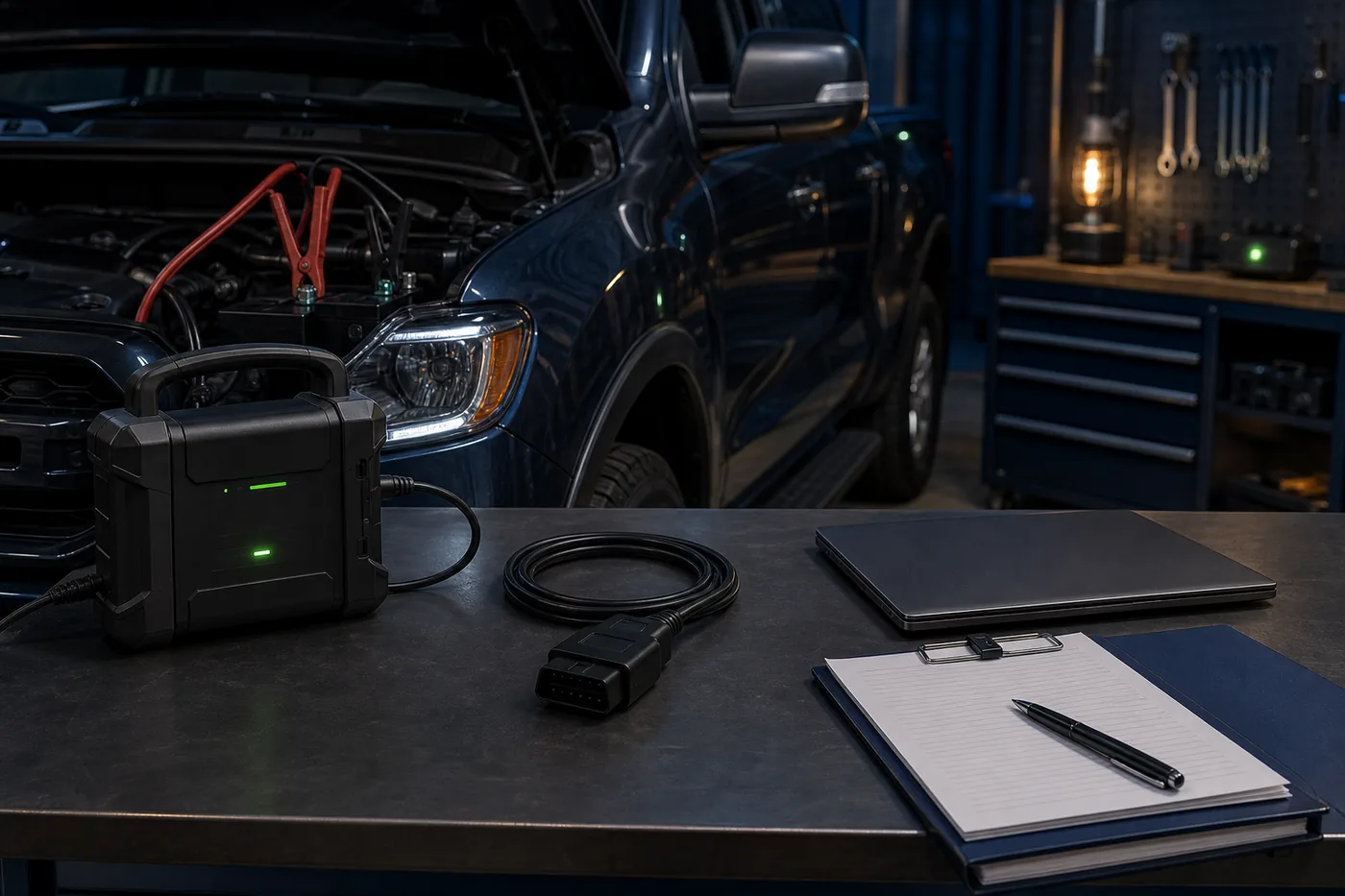
What to do if the F-150 behaves unexpectedly
Do not keep experimenting. Save the current scan, record the exact error and restore the last known original value if the module still communicates normally. Recheck battery voltage, adapter connection, ignition state and whether the correct vehicle profile is open.
If a module no longer responds, the truck will not start or a safety-related system reports a persistent fault, stop the DIY session. Contact a qualified technician or the relevant software and adapter support channel with the backup, module details and exact sequence of events.
FORScan F-150 FAQ
Is there one FORScan code spreadsheet for every F-150?
No. Use model-year, module, trim, hardware and market-specific evidence. Treat spreadsheets as research indexes, not universal code lists.
What should I do first in FORScan on an F-150?
Identify the truck, save a profile, scan DTCs and export the original configuration before any write.
Which adapter is best for F-150 configuration?
Choose a well-documented adapter with reliable access to the truck's networks. A stable wired connection is the conservative choice for longer writes.
Can FORScan add a feature my truck does not have?
Configuration cannot create missing sensors, modules, wiring or licensed hardware. Confirm the required equipment first.
Should I use FORScan Beta for an F-150?
Use stable by default. Use Beta only when a documented feature, vehicle support change or support instruction requires it.
Can I restore factory As-Built data?
Factory data may be available through Motorcraft for supported vehicles, but keep a backup read from the truck because repairs or module replacements may have changed the current state.
The page separates verified first-party software facts from community spreadsheet guidance. Generated images are editorial illustrations, not real FORScan screens.
FORScan developer download pageFORScan Lite on the Apple App StoreMotorcraft As-Built serviceFORScan official forum