
USB adapter
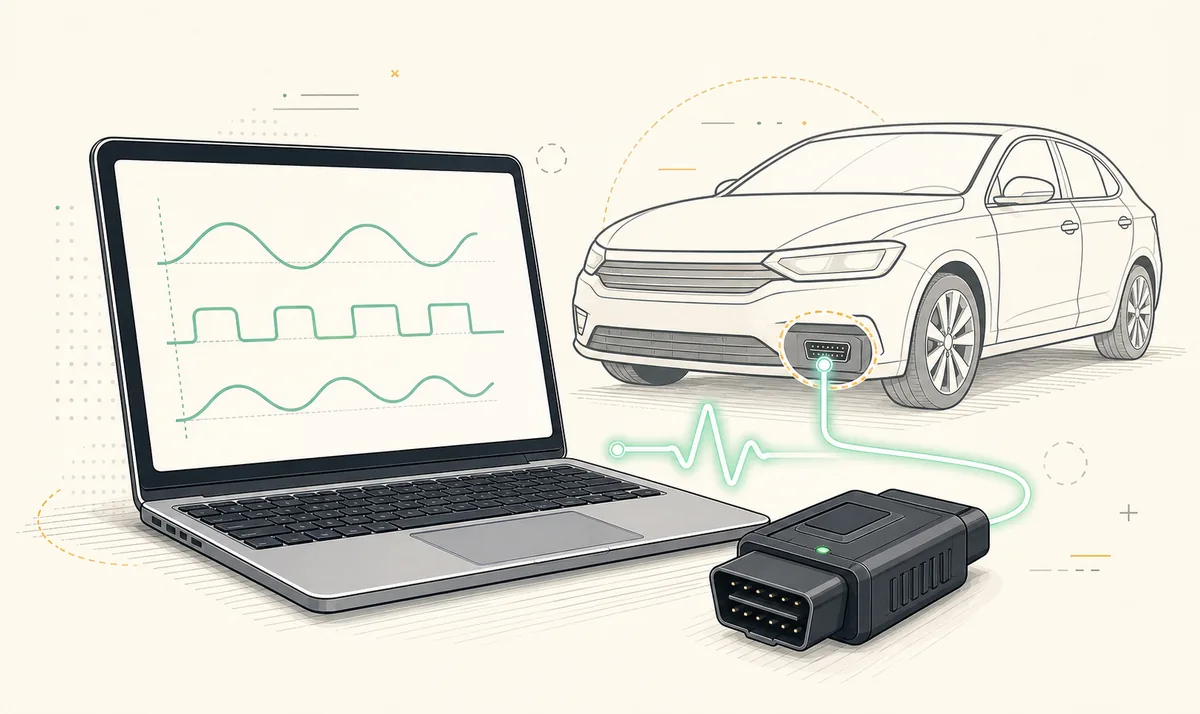
A wired connection usually provides the most predictable Windows setup and avoids wireless pairing or sleep behavior.
Best for: longer desktop sessionsA safe FORScan download for Windows starts with the developer source, the correct release channel and a compatible OBD adapter prepared before the vehicle connection.
The download button opens the developer's download page after a 15-second source check. This site does not distribute cracked or repackaged installers.
The official FORScan page checked August 1, 2026 lists Windows Stable 2.3.71, released May 8, 2026, at file size not listed on the current official page. The final download handler timed out locally, so this site keeps the button on the official page and does not publish an unverified direct EXE URL, checksum or mirror.
15
Keep this page open. You will continue when the countdown reaches zero.
FORScan is diagnostic software developed for supported Ford, Mazda, Lincoln and Mercury vehicles. Its main purpose is to communicate with control modules through a compatible OBD adapter, read and clear diagnostic trouble codes, display live data, run tests and perform supported service procedures. Available functions depend on the vehicle, adapter, software edition and license status.
Most PC users should begin with the current stable Windows build. A Beta build is intended for users who need newer vehicle coverage or functions and who accept a higher chance of unfinished behavior. FORScan Lite is a separate mobile application for iPhone, iPad and supported mobile adapter types; it is not the Windows installer in app form. Mac users should read the compatibility page before trying a virtual machine or a separate Windows computer.
A successful FORScan download is only the first step. The adapter must support the required vehicle networks, its driver must be installed correctly, and configuration or programming work should begin with a saved backup and stable vehicle voltage. Reading codes is lower risk than writing module configuration, so new users should learn the connection workflow before changing values.
Do not choose a build only because its number is higher. Match the channel to the job you need to complete and the amount of testing risk you can accept.
| Choice | Best for | Trade-off | Recommended action |
|---|---|---|---|
| Stable Windows build | Routine diagnostics, service functions and first-time setup | May not include the newest experimental coverage | Start here unless a documented reason requires Beta |
| 2.4 Beta branch | Specific newer functions, test coverage or forum-directed troubleshooting | More change between releases; features may be incomplete | Read release notes and keep the stable installer available |
| FORScan Lite | Mobile diagnostics with a supported Bluetooth, BLE or Wi-Fi adapter | Programming and configuration functions are limited or unavailable | Install only from the official app store listing |
| Old version | Reproducing a known setup or solving a documented regression | Missing fixes and newer vehicle data | Use only when the source and reason are clear |
This short path covers the normal setup. The Windows 11 page includes driver checks, connection troubleshooting and safer first-session preparation.
Use the source button on this page. Confirm the release channel and version shown by the developer before downloading the installer.
USB adapters commonly need a Windows driver. Install the driver supplied by the adapter manufacturer, then confirm that Windows recognizes the device without an error icon.
Run the downloaded installer, review its publisher and destination, and avoid third-party bundles that add unrelated software or modified license files.
Connect the adapter, turn the ignition on as instructed for the vehicle and let FORScan identify modules. Save the original vehicle profile before configuration work.
Begin with read-only diagnostics. If a task requires configuration or programming, verify the exact procedure, maintain battery voltage and create backups before writing.
Cheap ELM327-labeled adapters vary widely. A connection that works for generic engine data may still fail to reach manufacturer-specific modules or may become unreliable during a long session.
A wired connection usually provides the most predictable Windows setup and avoids wireless pairing or sleep behavior.
Best for: longer desktop sessionsConvenient for mobile use, but Windows and mobile devices support different Bluetooth modes. Check the adapter's platform list before buying.
Best for: supported mobile workflowsCan work across platforms, but it may change the device's network connection and is not always the simplest option for programming work.
Best for: devices without compatible BluetoothDownloading the Windows application and obtaining access to extended functions are separate questions. Some diagnostic functions may be available without an extended license, while configuration or programming workflows may require a valid license and supported vehicle. The exact license options, duration and pricing should always be checked against the developer's current licensing page.
Avoid search results offering a FORScan crack, torrent, pre-activated installer or license generator. Those files cannot be verified by this site, may be modified, and can leave you with an unsupported setup at the moment a module write is in progress. A legitimate license also gives you a clearer path for updates and support.
Software provenance and vehicle procedure both matter. A clean installer does not make every configuration change appropriate for every model, and a popular forum value is not a universal vehicle profile.
Use the developer's current download page, verify the release channel and publisher, and reject mirrors, torrents, cracks or pre-activated bundles. Download access and feature licensing are separate questions.
The Windows download and feature licensing are separate. Use the developer's current download and license pages to confirm which functions are available without an Extended License and which require valid access. Do not use cracked or pre-activated builds.
FORScan is a Windows desktop application and is commonly used on Windows 11. Adapter driver compatibility is often the practical issue: confirm that Windows recognizes the adapter and that its manufacturer supports your Windows version.
The FORScan developer page checked August 1, 2026 lists Windows Stable 2.3.71, released May 8, 2026, at file size not listed on the current official page. The 2.4 Beta testing program was discontinued on April 20, 2026, so 2.4.22 or 2.4.23 should not be described as a current official Beta download.
FORScan's official forum announced on April 20, 2026 that 2.4 Beta testing was discontinued. The current developer download page checked August 1, 2026 lists Windows Stable 2.3.71. Historical 2.4.22 or 2.4.23 queries are not evidence of a current Beta installer.
The main desktop application targets Windows. Mac users should not download a random macOS package carrying the name. Read the Mac compatibility guide for mobile, separate-PC and virtualization considerations.
Downloading, licensing, updates and some source lookups may require internet access. Vehicle communication itself occurs between the device, adapter and vehicle, but prepare required files and license access before working offline.
No. ELM327-labeled hardware varies, Bluetooth modes differ by platform, and low-quality adapters may not communicate reliably with all modules. Check platform support and prefer a well-documented adapter.
Use the official Apple App Store or Google Play listing for your platform. The verified US App Store listing is named FORScan Lite - for Ford, Mazda and showed version 1.5.31 during this check.
Version and mobile compatibility details are kept separate from assumptions. The developer download page is the destination for Windows files. The Apple App Store record supplies the verified FORScan Lite version, release date, supported adapter notes and current core reference used on this page.
FORScan developer download pageFORScan Lite on the App Store